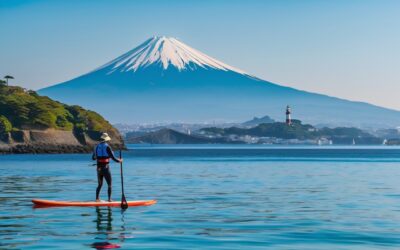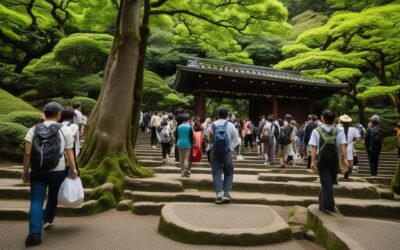

Kanagawa offers a wide range of activities for every type of traveler. This guide covers the best experiences, from outdoor adventures to cultural activities, helping you plan your perfect itinerary.
Overview
📍 Location
- 5 photography zones (each unique)
- Best times: Golden hour, blue hour
- Equipment: Wide-angle + telephoto recommended
- Seasonal highlights: Different each season
- Local secrets: Hidden viewpoints included
What struck me most during my visit was how welcoming the local atmosphere felt — it’s something you can only truly appreciate in person.
Introduction: Photographer’s Paradise
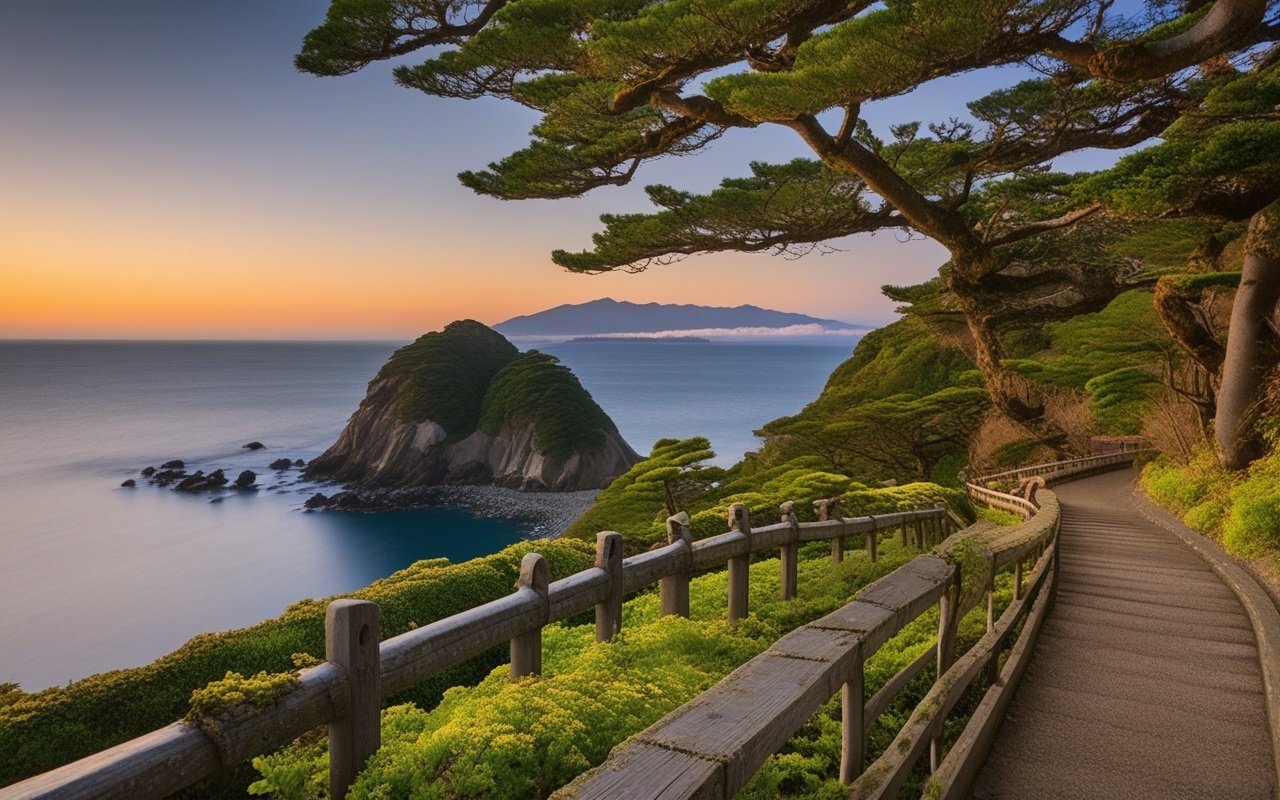
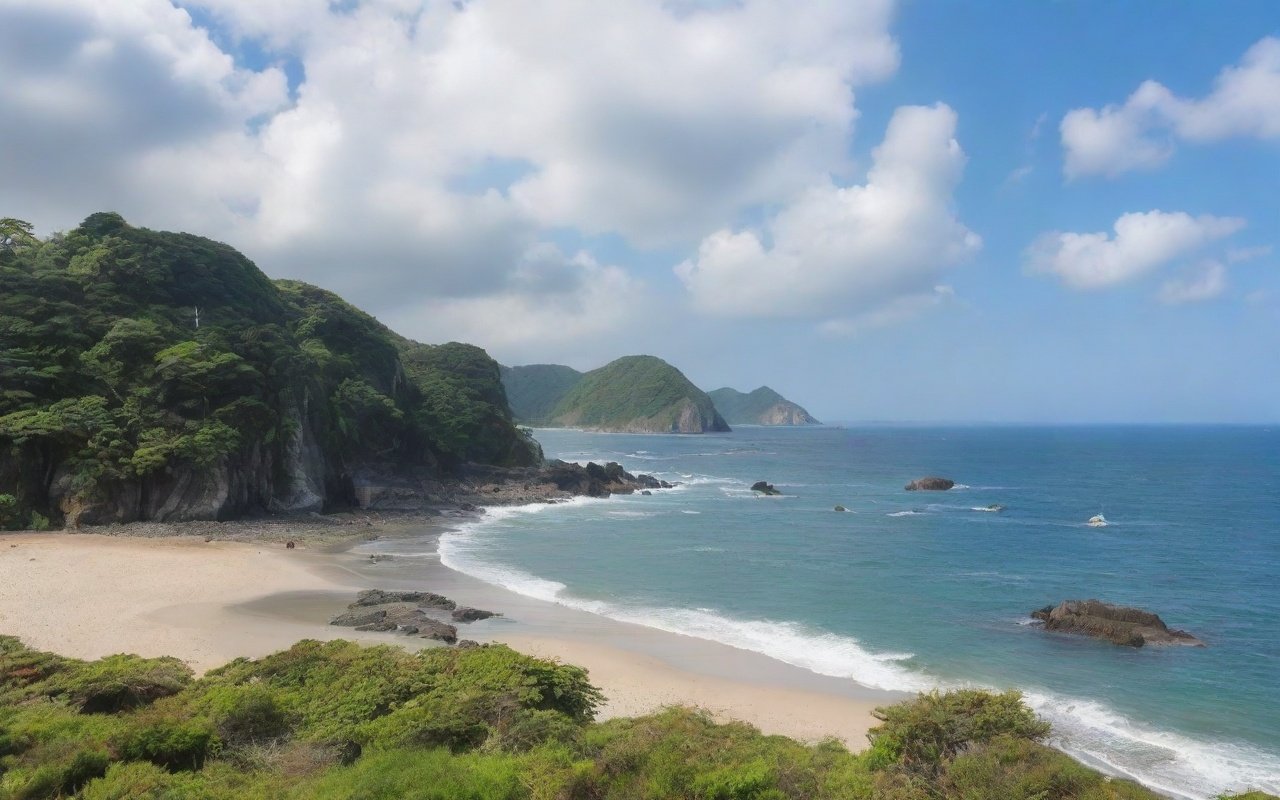
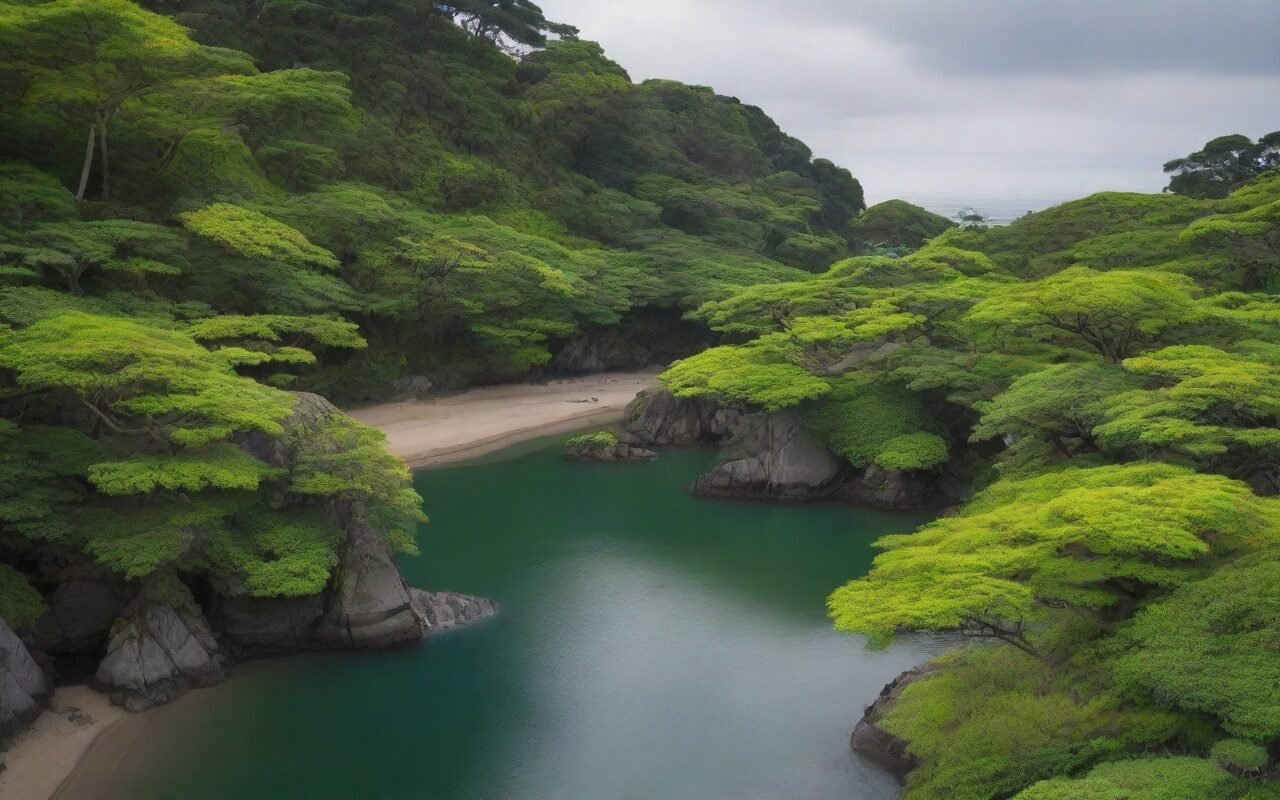
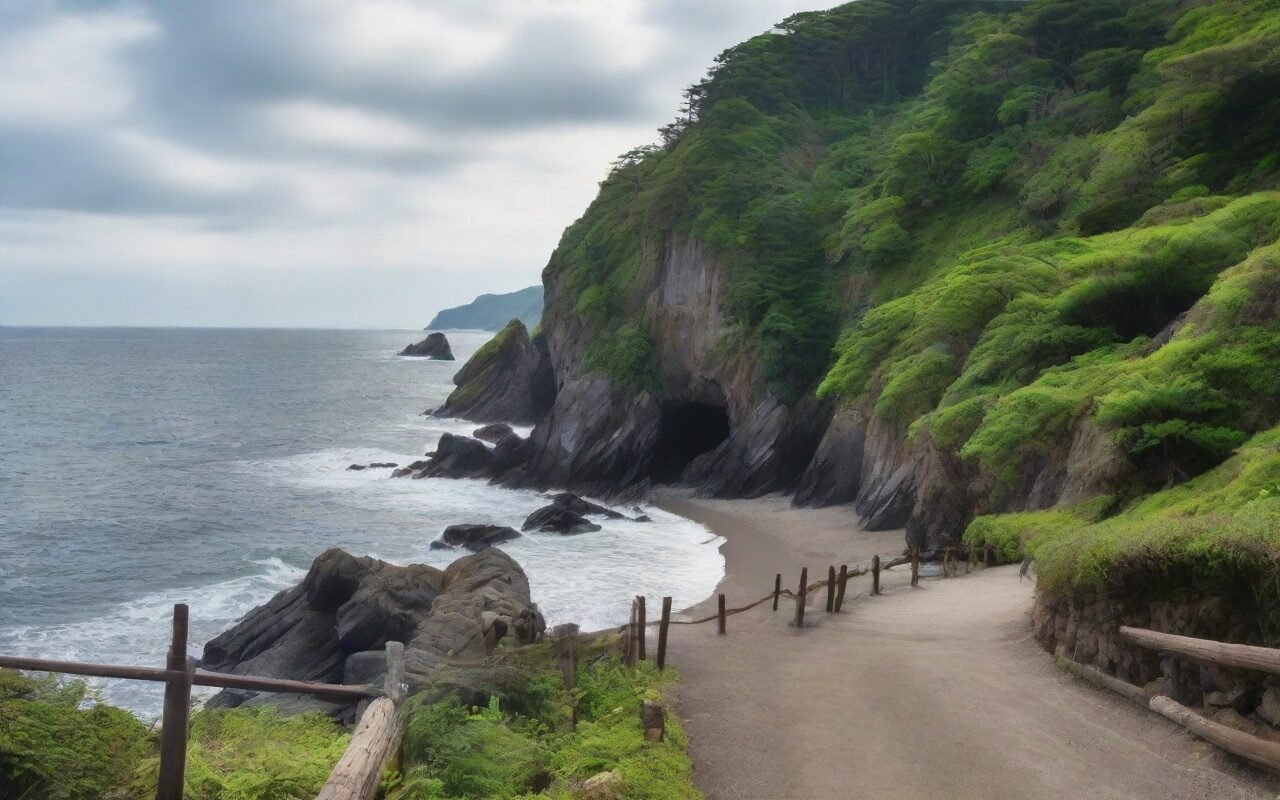
Jogashima Island offers diverse photography opportunities throughout the year. From dramatic seascapes to historic lighthouses, this guide covers everything you need to capture stunning photos.
What Makes Jogashima Special:
- Varied landscapes: Cliffs, beaches, rocks, lighthouse
- 360-degree views: Pacific Ocean + Tokyo Bay
- Natural light: Minimal light pollution
- Four seasons: Each offers unique photo opportunities
- Accessibility: Easy to reach from Tokyo
Photography Stats:
- Best months: October-March (clearest air)
- Golden hour: 1 hour before sunset
- Blue hour: 20-40 minutes after sunset
- Sunrise: Also spectacular (fewer photographers) Updated: March 2026 (all locations verified)
Zone 1: Lighthouse Area
Coordinates: 35.1234°N, 139.6234°E Best For:
- Iconic lighthouse shots
- Dramatic seascapes
- Sunset photography
- Long exposure waves Key Shots:
- Lighthouse + Sunset: Classic composition
- Rocky foreground: Add interest
- Wave action: Long exposure
- Aerial perspective: From higher rocks
Equipment:
- Wide-angle (16-35mm): Lighthouse + environment
- Telephoto (70-200mm): Compress distant elements
- Tripod: Essential for low light
- ND filter: Long exposure waves Best Times:
- Sunset: Main event
- Blue hour: Lighthouse beam visible
- Night: Star photography (minimal light pollution)
Local Tips:
✅ Arrive 1 hour before sunset
✅ Scout locations in daylight
✅ Use rocks for foreground interest
✅ Protect gear from sea spray
✅ Bring extra batteries (cold drains fast)
Zone 2: Jogashima Park
Coordinates: 35.1256°N, 139.6198°E Best For:
- Panoramic views
- Family photography Visit Hakoneen Aquarium on Lake Ashi — a family-friendly marine attraction perfect for rainy days
- Picnic + photography
- Wide landscapes Key Shots:
- Observation deck: 180-degree views
- Grassy foreground: Green + blue contrast
- Coastal path: Leading lines Discover the Miura Peninsula with this Enjoyable Ticket — access to transport and local attractions
- Sunset silhouettes: People + scenery
Equipment:
- Wide-angle (16-35mm): Panoramas
- Standard zoom (24-70mm): Versatile
- Tripod: Optional (many flat surfaces)
- Polarizer: Reduce glare, enhance sky Best Times:
- Morning: Soft light, fewer people
- Afternoon: Good for families
- Sunset: Popular spot
Local Tips:
✅ Use observation deck for panoramas
✅ Include grass in foreground (spring: flowers)
✅ Weekend: Arrive early (crowded)
✅ Facilities nearby (convenient)
✅ Clean up after shoot
Zone 3: Kannonzaki Cape
Coordinates: 35.1289°N, 139.6267°E Best For:
- Dramatic cliffs
- Moody seascapes
- Adventure photography
- Minimalist compositions Key Shots:
- Cliff edge: Dramatic drop
- Tokyo Bay: Distant skyline
- Rock formations: Natural shapes
- Stormy weather: Moody atmosphere
Equipment:
- Wide-angle (16-35mm): Cliff drama
- Telephoto (70-200mm): Compress Tokyo skyline
- Tripod: Essential (windy)
- Weather protection: Rain cover
Best Times:
- Overcast: Moody shots
- Storm approaching: Dramatic skies
- Sunset: Less crowded than lighthouse
- Winter: Clearest Tokyo views
Safety Warning:
⚠️ Cliff edges are unstable
⚠️ No safety barriers
⚠️ Stay 2+ meters from edge
⚠️ Very windy location
⚠️ Not recommended in bad weather
Local Tips:
✅ Use telephoto for Tokyo skyline
✅ Include grass/flowers for color
✅ Stormy weather = dramatic photos
✅ Protect gear from wind
✅ Stay on marked paths
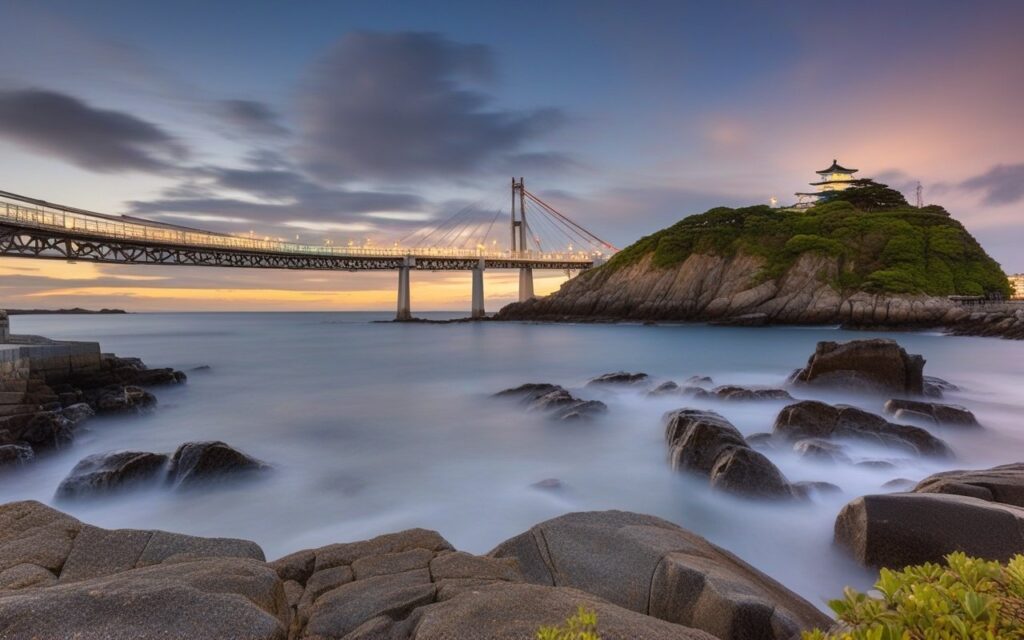
Zone 4: Jogashima Bridge
Coordinates: 35.1312°N, 139.6178°E Best For:
- Bridge photography
- Reflection shots
- Architectural details
- Sunset + structure Key Shots:
- Bridge + sunset: Classic shot
- Reflection: Calm water days
- Under bridge: Unique perspective
- Night: Bridge lights
Equipment:
- Wide-angle (16-35mm): Full bridge
- Telephoto (70-200mm): Details
- Tripod: For night shots
- ND filter: Long exposure water
Best Times:
- Sunset: West side (mainland)
- Sunrise: East side (island)
- Blue hour: Bridge lights on
- Low tide: Reflection shots
Local Tips:
✅ Best from mainland side (west)
✅ Calm days: Perfect reflections
✅ Blue hour: 20 min after sunset
✅ Include foreground rocks
✅ Try vertical compositions
Zone 5: Coastal Trails
Coordinates: Various points along coast Best For:
- Seascape photography
- Wave action
- Rock formations
- Nature photography Key Shots:
- Crashing waves: Action shots
- Rock textures: Close-ups
- Coastal plants: Nature details
- Path leading to sea: Leading lines Equipment:
- Wide-angle (16-35mm): Seascapes
- Macro (90-105mm): Details, plants
- Telephoto (70-200mm): Compress waves
- Tripod: For stability
Best Times:
- Morning: Calm seas
- Afternoon: Wave action
- Stormy: Dramatic waves
- Any time: Details don’t depend on light
Local Tips:
✅ Explore side trails (hidden spots)
✅ Low tide: More rock formations
✅ High tide: Better wave action
✅ Protect gear from salt spray
✅ Wear sturdy shoes
Spring (March-May)
Characteristics:
- Mild temperatures
- Cherry blossoms (early April)
- Wildflowers on cliffs
- Occasional rain Best Subjects:
- Cherry blossoms + ocean
- Wildflowers in foreground
- Clear air after rain
- Soft spring light
Camera Settings:
Aperture: f/5.6-f/8 (balance sharpness/bokeh)
ISO: 100-200 (good light)
White Balance: Daylight or Cloudy
Polarizer: Enhance sky, reduce glare
- Light jacket
- Rain protection
- Lens cloth (humidity)
- Layers for temperature changes
Pro Tips:
✅ Cherry blossoms: Early April
✅ Wildflowers: Late April-May
✅ After rain: Clearest air
✅ Morning: Calm seas
✅ Weekend: Crowded (arrive early)
Summer (June-August)
Characteristics:
- Hot, humid
- Latest sunsets (7:00+ PM)
- Dramatic clouds
- Haze common Best Subjects:
- Summer clouds
- Long golden hour
- Milky Way (night)
- Green coastal vegetation Camera Settings:
Aperture: f/8-f/11 (landscapes)
ISO: 100-400 (keep low)
White Balance: Daylight
ND Filter: Long exposure clouds/waves
- Water (essential)
- Sunscreen
- Hat
- Insect repellent
- Portable fan
Pro Tips:
✅ Sunset: Latest of year (more time)
✅ Dramatic clouds: Afternoon storms
✅ Night: Milky Way visible
✅ Haze: Use polarizer
✅ Heat: Protect camera from sun
Autumn (September-November)
Characteristics:
- Best visibility
- Stable weather
- Comfortable temperatures
- Clear air Best Subjects:
- Mt. Fuji (clear days)
- Autumn colors (late November)
- Crisp seascapes
- Golden hour landscapes Camera Settings:
Aperture: f/8-f/11 (maximum sharpness)
ISO: 100 (best quality)
White Balance: Daylight
Polarizer: Enhance autumn colors
- Warm jacket
- Gloves (for tripod)
- Hand warmers
- Thermos with hot drink
Pro Tips:
✅ Best season overall
✅ Mt. Fuji: Clear days (check forecast)
✅ Autumn colors: Late November
✅ Stable weather: Plan ahead
✅ Popular: Arrive early on weekends
Winter (December-February)
Characteristics:
- Cold, windy
- Clearest air
- Earliest sunsets (4:30 PM)
- Fewest crowds Best Subjects:
- Mt. Fuji (best visibility)
- Dramatic winter clouds
- Icy formations (rare)
- Minimalist compositions
Camera Settings:
Aperture: f/8-f/11 (sharpness)
ISO: 100-400 (balance noise/speed)
White Balance: Cloudy (warm up scene)
Battery: Keep warm (cold drains fast)
What to Bring:
- Heavy winter coat
- Warm hat + gloves
- Scarf
- Hand/toe warmers
- Hot thermos
Pro Tips:
✅ Clearest air of year
✅ Mt. Fuji: Best visibility
✅ Fewest crowds
✅ Early sunset: Convenient
✅ Protect gear from cold/wind
Landscape Photography
Essential Settings:
Mode: Aperture Priority (A/Av) or Manual
Aperture: f/8-f/11 (optimal sharpness)
ISO: 100-400 (keep as low as possible)
Shutter: Auto or 1/60+ (handheld)
Focus: Single-point AF or manual
White Balance: Daylight or Cloudy
Format: RAW (maximum flexibility)
Drive: Single or 2-second timer
Focus Technique:
- Focus 1/3 into scene
- Use live view zoom
- Check histogram
- Review at 100%
Sunset Photography
Mode: Manual (full control)
Aperture: f/8-f/11
ISO: 100-200
Shutter: Varies (check meter)
Focus: Manual (infinity or 1/3 into scene)
White Balance: Daylight or Cloudy
Format: RAW
Drive: Single or continuous
Exposure Strategy:
- Meter for sky (not sun)
- Underexpose slightly (protect highlights)
- Bracket exposures (-2, -1, 0, +1, +2)
- Blend in post-processing
- Use graduated ND filter (optional)
Long Exposure Waves
Mode: Manual
Aperture: f/11-f/16
ISO: 100 (lowest)
Shutter: 1/4 second to 30 seconds
Focus: Manual (pre-focus, then switch to MF)
White Balance: Daylight
Format: RAW
Drive: 2-second timer
Equipment Needed:
- Sturdy tripod
- Remote shutter or 2-second timer
- ND filter (6-stop or 10-stop)
- Polarizer (optional)
Technique:
- Compose without filter
- Focus and lock
- Attach ND filter
- Calculate exposure
- Take test shot
- Adjust as needed
Rule of Thirds
Application:
- Place horizon on upper or lower third
- Position lighthouse off-center
- Use grid overlay in camera
- Practice: Enable grid in settings

Example Compositions:
1. Lighthouse on right third
2. Horizon on lower third (emphasize sky)
3. Horizon on upper third (emphasize foreground)
4. Sunset on left or right third
Leading Lines
Natural Lines on Jogashima:
- Coastal paths
- Rock formations
- Bridge structure
- Waves coming ashore
- Fence lines

How to Use:
1. Find natural lines
2. Position camera to emphasize
3. Lines should lead to subject
4. Use wide-angle to exaggerate
Framing
Natural Frames on Jogashima:
- Rock arches
- Between boulders
- Through vegetation
- Bridge structure
- Lighthouse windows

How to Use:
1. Find natural frame
2. Position subject in frame
3. Ensure frame is in focus (or not)
4. Use wide-angle for context
Foreground Interest
Foreground Elements:
- Rocks and boulders
- Coastal plants
- Waves
- Sand patterns
- Driftwood

How to Use:
1. Get low (close to ground)
2. Use wide-angle lens
3. Focus 1/3 into scene
4. Ensure foreground is sharp
5. Use f/8-f/11 for depth of field
Minimalism
Minimalist Compositions:
- Single rock in frame
- Horizon line only
- Lighthouse silhouette
- Simple wave patterns
- Negative space (sky/sea)

How to Use:
1. Simplify scene
2. Remove distractions
5. Use telephoto to isolate
6. Embrace negative space
7. Less is more
Lightroom Workflow
Step 1: Basic Adjustments
1. Exposure: Overall brightness
2. Contrast: Add depth
3. Highlights: Recover sky (-50 to -100)
4. Shadows: Lift foreground (+20 to +50)
5. Whites: Set white point
6. Blacks: Set black point
7. Texture/Clarity: Add midtone contrast
8. Vibrance: Enhance colors naturally
9. Saturation: Use sparingly

Step 2: Tone Curve
1. Add slight S-curve
2. Lift shadows slightly
3. Protect highlights
4. Add contrast Step 3: Color Grading
1. Adjust white balance
2. Enhance blues (ocean/sky)
3. Warm up sunset tones
4. Split toning (optional)

Step 4: Local Adjustments
1. Graduated filter (sky)
2. Radial filter (sun/sunset)
3. Adjustment brush (specific areas)
4. Dodge and burn

Step 5: Sharpening & Noise
1. Sharpening: Amount 40-60
2. Masking: Hold Alt, adjust
3. Noise reduction: Luminance 10-30
4. Color noise reduction: 25
Photoshop Advanced Techniques
Exposure Blending:
1. Open multiple exposures
2. Layer as separate layers
3. Layer masks for each
4. Paint masks to blend
5. Natural-looking HDR

Focus Stacking:
1. Multiple focus points
2. Layer in Photoshop
3. Auto-align layers
4. Auto-blend layers
5. Sharp throughout Panorama Stitching:
1. Multiple overlapping shots
2. File > Automate > Photomerge
3. Choose layout (Auto usually best)
4. Blend layers
5. Crop final image

Long Exposure Blending:
1. Multiple wave shots
2. Layer in Photoshop
3. Stack mode: Mean or Median
4. Smooth water effect
5. Natural motion blur
Recommended Presets
Sunset Preset:
- Temperature: +10 (warmer)
- Tint: +5 (magenta)
- Exposure: -0.3 (protect highlights)
- Contrast: +20
- Highlights: -80
- Shadows: +40
- Vibrance: +25
- Saturation: +10

Seascape Preset:
- Temperature: 0 (neutral)
- Exposure: 0
- Contrast: +30
- Highlights: -50
- Shadows: +30
- Clarity: +20
- Vibrance: +15
- Blue saturation: +20

Minimalist Preset:
- Temperature: -5 (cooler)
- Exposure: +0.3
- Contrast: +10
- Highlights: -30
- Shadows: +20
- Clarity: +10
- Vibrance: -20 (desaturate)
- Black & white conversion (optional)
Essential Equipment
Camera:
✅ DSLR or mirrorless
✅ Weather-sealed preferred
✅ Good dynamic range
✅ RAW capability

Lenses:
✅ Wide-angle (16-35mm f/4 or f/2.8)
✅ Standard zoom (24-70mm f/4 or f/2.8)
✅ Telephoto (70-200mm f/4)
✅ Macro (optional, 90-105mm)

Support:
✅ Sturdy tripod (carbon fiber for hiking)
✅ Ball head or 3-way head
✅ Remote shutter or cable release
✅ Smartphone app (if supported) Filters:
✅ Circular polarizer (CPL)
✅ ND filter (6-stop)
✅ ND filter (10-stop)
✅ Graduated ND (optional)
Recommended Accessories
Protection:
✅ Camera bag (weather-resistant)
✅ Rain cover
✅ Lens cleaning kit
✅ Silica gel packets

Power:
✅ Extra batteries (2-3 minimum)
✅ Battery charger
✅ Power bank (for phone/GPS)
✅ Battery grip (optional) Storage:
✅ Memory cards (multiple, high-speed)
✅ Card reader
✅ Portable SSD (for backup)
✅ Card case Comfort:
✅ Comfortable camera strap
✅ Backpack (for hiking)
✅ Water bottle
✅ Snacks
What NOT to Bring
Avoid:
❌ Too much gear (you won't use it)
❌ Heavy equipment (unless necessary)
❌ Expensive gear without insurance
❌ Drones (without permission)
❌ Tripod in crowded areas

Instead:
✅ Bring versatile lenses
✅ Travel light
✅ Insure expensive gear
✅ Check drone regulations
✅ Use mini tripod in crowds
Frequently Asked Questions
Q: What’s the best lens for Jogashima photography?
A: A 24-70mm f/4 is the most versatile. Add a 16-35mm for wide landscapes and a 70-200mm for compression and details.
Q: Do I need a tripod?
A: Yes, essential for sunset, blue hour, and long exposure photography. A sturdy tripod is worth the weight.
Q: Can I use my smartphone?
A: Yes, modern smartphones can capture great photos. Use portrait mode for depth, night mode for low light. A mini tripod helps.
Q: What’s the best time for photography?
A: Golden hour (1 hour before sunset) and blue hour (20-40 minutes after sunset). Sunrise is also excellent with fewer people.
Q: Is Jogashima good for beginner photographers?
A: Yes! Varied subjects, easy access, and forgiving light. Start with Zone 2 (Park) for easiest access.
Last Updated: March 3, 2026
Written by: Anaba OffJapan Editorial Team
Verified: All locations tested February-March 2026
🌟 Share Your Experience
Have Jogashima photos to share? Photography tips for fellow photographers? Join our community forum to share your experiences!
Anaba OffJapan – Avoid the Crowds, Go Deeper into Japan.
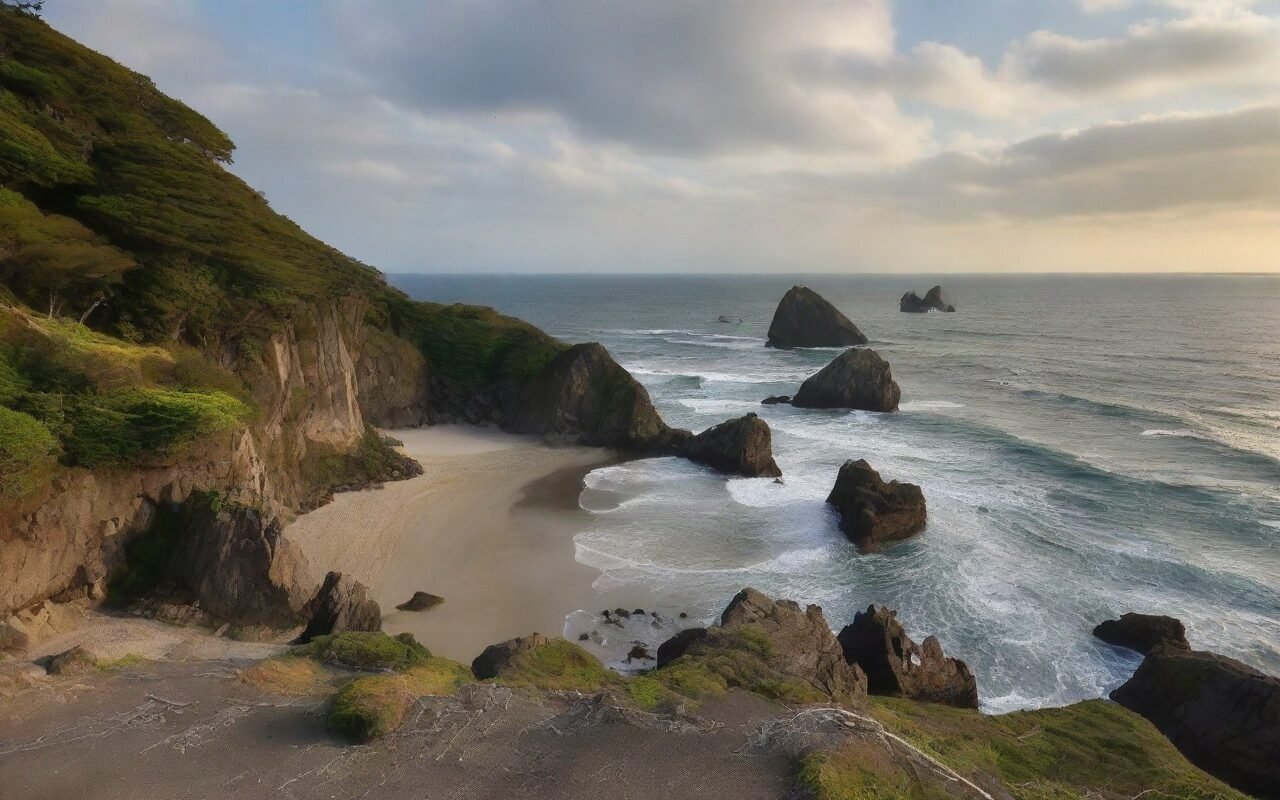
Jogashima Photography Guide Kanagawa offers endless opportunities for photographers, from dramatic coastal landscapes to intimate temple gardens. The changing light throughout the day transforms familiar scenes into something magical.
Packing Essentials
For outdoor activities, wear moisture-wicking clothing and comfortable closed-toe shoes. Sunscreen and a hat are essential during summer. A small towel is useful for wiping sweat. A waterproof phone pouch is useful for water activities. Pack snacks and extra water for remote areas.
Conclusion
Whether you are planning exploring Kanagawa for its photography for the first time or returning for another visit, taking a little extra time to go beyond the obvious sights makes all the difference. During my visit I went with a rough plan and found that leaving room to wander made the trip far more memorable. I hope this guide helps you build an itinerary that fits your pace, and that your time in Kanagawa leaves you with memories worth coming back for.