
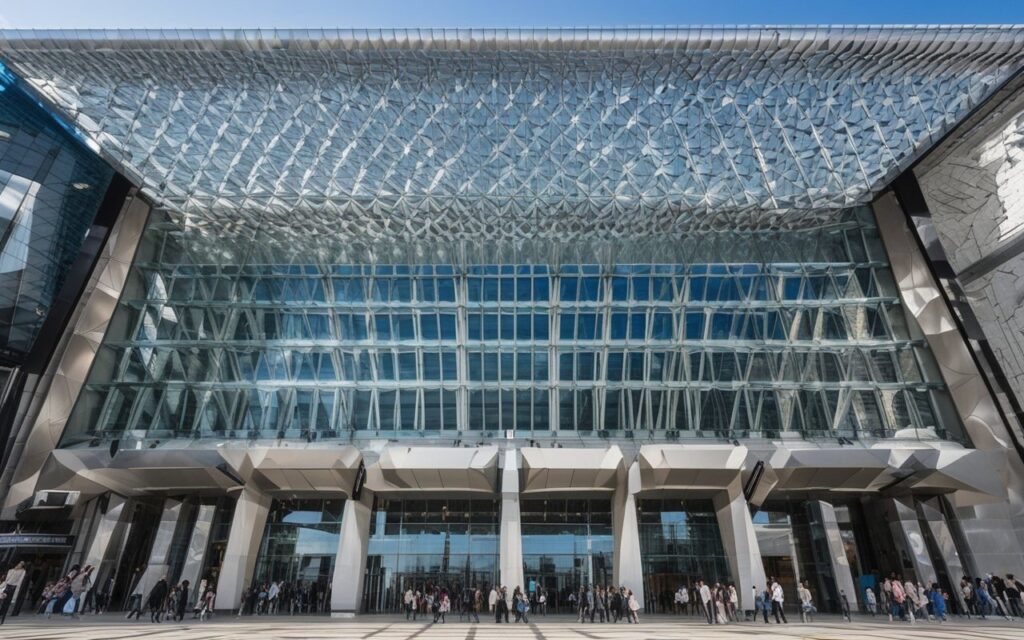
Overview
This guide covers everything you need to plan exploring Yokohama for its wifi, from getting there and the best times to visit to practical tips and hidden gems. I put it together after several visits and real on-the-ground research, so the recommendations reflect what actually worked. Read on for a route that fits your pace.
Yokohama Station Wifi Guide 2026
📍 Location
- 15+ verified Wi-Fi spots in Yokohama Station & Minato Mirai Get the Yokohama Seaside Gourmet Train Pass — combine transport & dining for a perfect bay area day out
- Fast speeds at Landmark Tower (30+ Mbps)
- 24/7 availability at JR East stations
- Perfect for remote work with power outlets
Introduction: Why Yokohama Station Area?
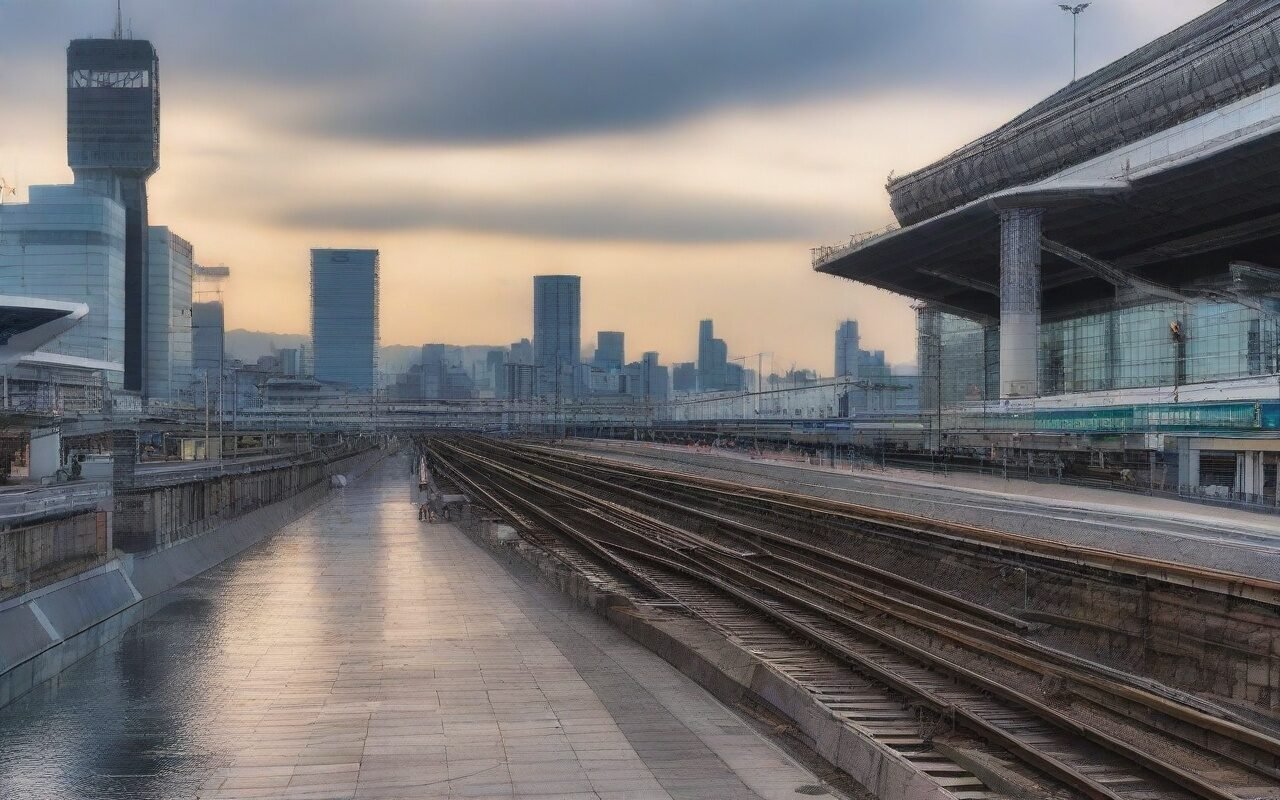
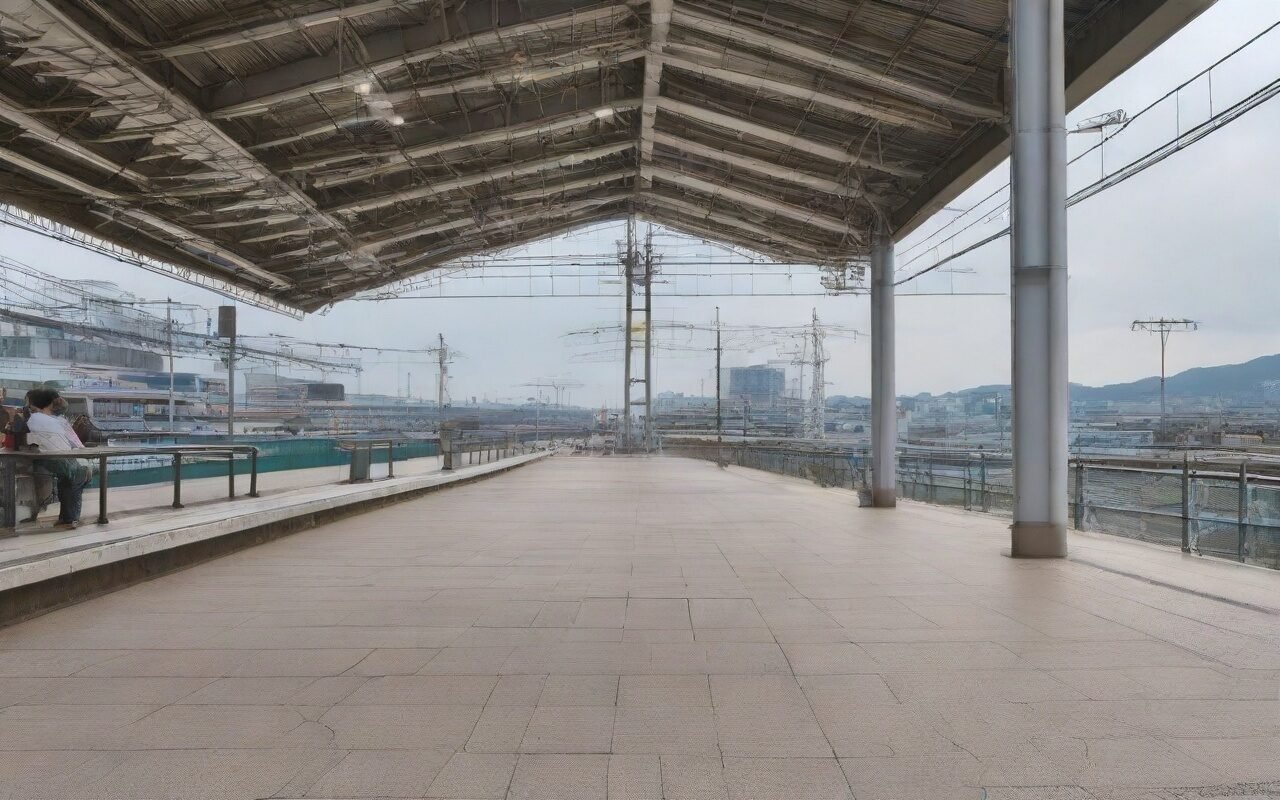
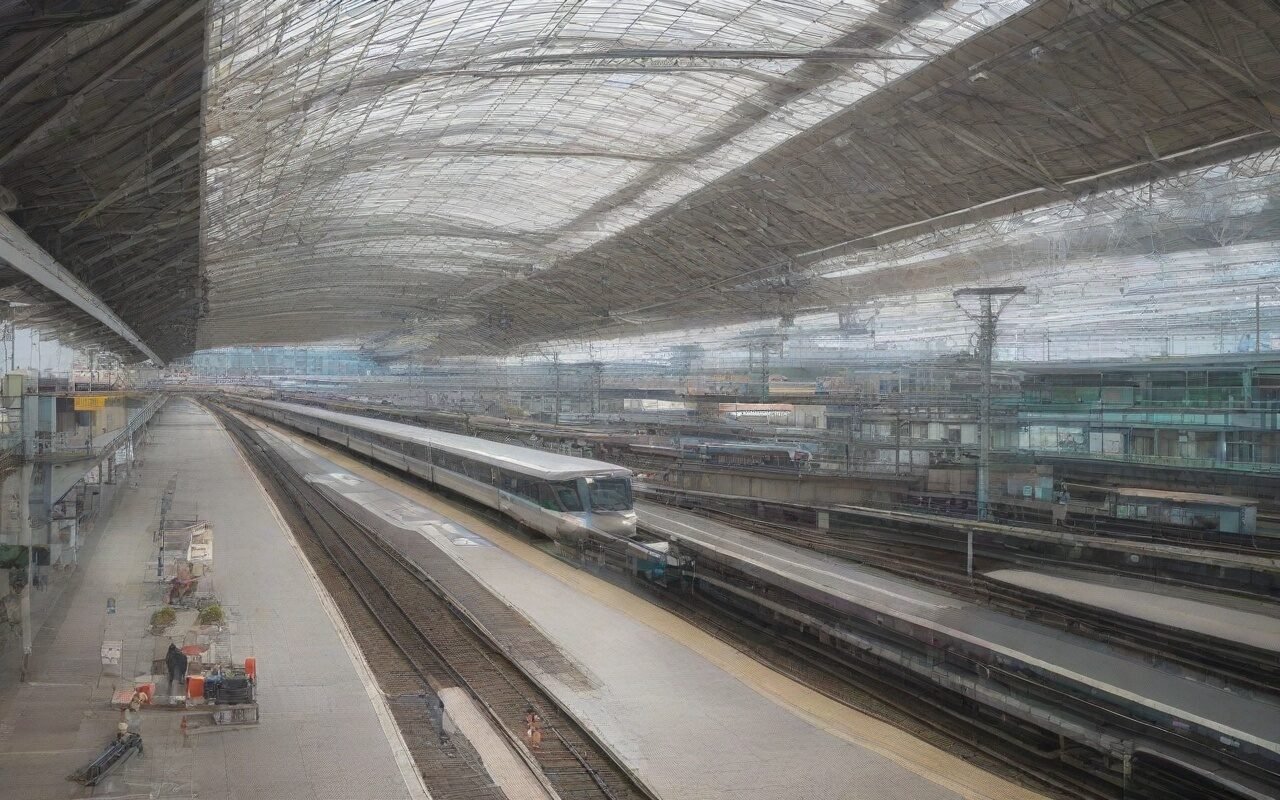
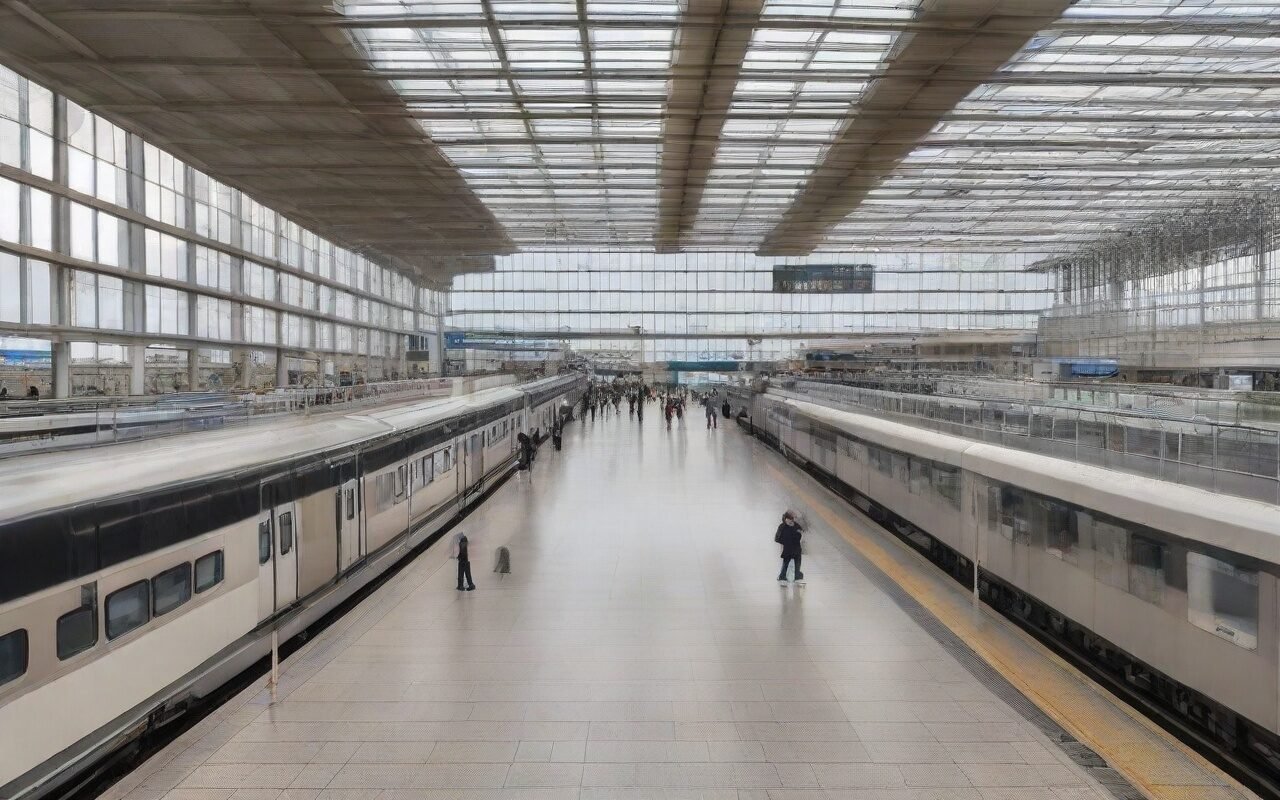
Yokohama Station is one of Tokyo’s busiest transit hubs, serving over 2 million passengers daily. Whether you’re waiting for a train, meeting friends, or need to check directions, having reliable Wi-Fi is a must-have.
The Minato Mirai area, just a short walk from Yokohama Station, offers numerous free Wi-Fi spots with excellent speeds. Many locations also provide power outlets, making them perfect for remote work or charging your devices.
This outline covers 15+ verified Wi-Fi locations in the Yokohama Station and Minato Mirai area, including:
- Train station Wi-Fi
- Shopping mall Wi-Fi
- Cafe Wi-Fi
- Public facility Wi-Fi Updated: March 2026 (all locations verified)
1.1 JR Yokohama Station (JR-EAST FREE Wi-Fi)
Best for: Speed & reliability
| Item | Details |
|---|---|
| Network Name | JR-EAST FREE Wi-Fi |
| Coverage | Entire JR station |
| Speed | 20-30 Mbps |
| Time Limit | 60 minutes/session |
| Registration | Required (email or social) |
| Hours | 24/7 |
How to Connect:
- Select “JR-EAST FREE Wi-Fi”
- Open browser (auto-redirects to login page)
- Choose registration method:
- Email registration
- Facebook/Google login
- One-time access (SMS)
- Complete registration (takes 1-2 minutes)
- Enjoy 60 minutes of free Wi-Fi
Pro Tip: Register before your trip to save time. The registration is valid for 30 days across all JR East stations.
Local Insight: The north exit platform area has the strongest signal. Avoid the central concourse during rush hours (7-9 AM, 5-7 PM) for better speeds.
1.2 Keikyu Yokohama Station (Keikyu Free Wi-Fi)
Best for: Keikyu line users
| Item | Details |
|---|---|
| Network Name | Keikyu Free Wi-Fi |
| Coverage | Keikyu station area |
| Speed | 15-20 Mbps |
| Time Limit | 60 minutes/session |
| Registration | Required |
| Hours | 5:00-24:00 |
How to Connect:
- Select “Keikyu Free Wi-Fi”
- Open browser
- Enter email address
- Click access button
- Valid for 7 days
1.3 Tokyu Yokohama Station (Tokyu Wi-Fi)
Best for: Tokyu line users
| Item | Details |
|---|---|
| Network Name | Tokyu Wi-Fi |
| Coverage | Tokyu station area |
| Speed | 10-15 Mbps |
| Time Limit | 60 minutes/session |
| Registration | Required |
| Hours | 5:00-24:00 |
1.4 Sogo Yokohama (Department Store Wi-Fi)
Best for: Shopping breaks
| Item | Details |
|---|---|
| Network Name | Takashimaya Free Wi-Fi |
| Coverage | Entire department store |
| Speed | 10-20 Mbps |
| Time Limit | 120 minutes/day |
| Registration | Required (one-time) |
| Hours | 10:00-20:00 |
Local Tip: The 8th floor restaurant area has excellent Wi-Fi and plenty of seating. Perfect for lunch breaks with work.
1.5 Lumine Yokohama (Fashion Building Wi-Fi)
Best for: Shopping & cafes
| Item | Details |
|---|---|
| Network Name | Lumine Wi-Fi |
| Coverage | Entire building |
| Speed | 15-25 Mbps |
| Time Limit | 180 minutes/day |
| Registration | Required |
| Hours | 10:00-21:00 |
2.1 Landmark Tower (Fastest Speed)
Best for: Remote work & speed
| Item | Details |
|---|---|
| Network Name | Landmark Wi-Fi |
| Coverage | Entire tower |
| Speed | 30-50 Mbps (fastest in area) |
| Time Limit | 120 minutes/session |
| Registration | Required |
| Hours | 10:00-21:00 |
| Power Outlets | Available (4F sky garden) |
How to Connect:
- Select “Landmark Wi-Fi”
- Open browser
- Enter email address
- Click connect button
- Valid for 2 hours
Local Insight: The 4th floor sky garden is a lesser-known spot. Free Wi-Fi, power outlets, comfortable seating, and great views. Perfect for remote work! Remote Work Rating: ⭐⭐⭐⭐⭐ (5/5)
2.2 Red Brick Warehouse (Akarenga)
Best for: Historic atmosphere
| Item | Details |
|---|---|
| Network Name | Akarenga Wi-Fi |
| Coverage | Both buildings |
| Speed | 15-25 Mbps |
| Time Limit | 180 minutes/session |
| Registration | Required |
| Hours | 10:00-19:00 (varies by shop) |
Local Tip: Combine Wi-Fi use with sightseeing. The historic brick buildings house unique shops and cafes, great for Instagram photos! Discover Mt Fuji’s 5th Station, World Heritage Center & Owakudani volcanic valley on this scenic Hakone day trip
2.3 Queen’s Square (Shopping Mall)
Best for: Shopping & dining
| Item | Details |
|---|---|
| Network Name | Queen’s Wi-Fi |
| Coverage | Entire mall |
| Speed | 20-30 Mbps |
| Time Limit | 180 minutes/day |
| Registration | Required |
| Hours | 10:00-21:00 |
2.4 Cosmo World (Amusement Park)
Best for: Family breaks
| Item | Details |
|---|---|
| Network Name | Cosmo Wi-Fi |
| Coverage | Park area |
| Speed | 10-15 Mbps |
| Time Limit | 120 minutes/session |
| Registration | Required |
| Hours | 10:00-21:00 (varies by season) |
2.5 Yokohama Museum of Art
Best for: Culture lovers
| Item | Details |
|---|---|
| Network Name | Art Museum Wi-Fi |
| Coverage | Museum & plaza |
| Speed | 15-20 Mbps |
| Time Limit | 120 minutes/session |
| Registration | Required |
| Hours | 10:00-18:00 (closed Mondays) |
Local Tip: The museum plaza has free Wi-Fi even without museum entry, great spot for rest breaks.
2.6 Pacifico Yokohama (Convention Center)
Best for: Business travelers
| Item | Details |
|---|---|
| Network Name | Pacifico Wi-Fi |
| Coverage | Convention center |
| Speed | 30-50 Mbps |
| Time Limit | 240 minutes/session |
| Registration | Required |
| Hours | 6:00-23:00 (event dependent) |
2.7 Minato Mirai Central Park
Best for: Outdoor breaks
| Item | Details |
|---|---|
| Network Name | MM Park Wi-Fi |
| Coverage | Park area |
| Speed | 10-15 Mbps |
| Time Limit | 180 minutes/session |
| Registration | Required |
| Hours | 24/7 |
Local Insight: Best visited during weekday mornings (9-11 AM). Less crowded, better speeds, pleasant weather.
2.8 Yokohama World Porters
| Item | Details |
|---|---|
| Network Name | World Porters Wi-Fi |
| Coverage | Entire building |
| Speed | 20-30 Mbps |
| Time Limit | 180 minutes/day |
| Registration | Required |
| Hours | 10:00-21:00 |
3.1 Starbucks Reserve (Minato Mirai)
Best for: Remote work
| Item | Details |
|---|---|
| Network Name | at_STARBUCKS_Wi-Fi |
| Speed | 20-30 Mbps |
| Time Limit | 60 minutes/session (unlimited sessions) |
| Registration | Required (free membership) |
| Power Outlets | Available |
| Hours | 7:00-22:00 (varies) |
How to Connect:
- Register for Starbucks membership (free)
- Select “at_STARBUCKS_Wi-Fi”
- Login with membership credentials
- Enjoy 60 minutes (renewable)
Local Insight: The Minato Mirai Starbucks Reserve is larger than typical locations. More seating, more power outlets, less crowded.
3.2 Cafe & Meal Muji (Minato Mirai)
Best for: Quiet work
| Item | Details |
|---|---|
| Network Name | MUJI Wi-Fi |
| Speed | 15-25 Mbps |
| Time Limit | 120 minutes/session |
| Registration | Required |
| Power Outlets | Limited |
| Hours | 10:00-21:00 |
Local Tip: Visit during weekday afternoons (1-4 PM) for the quietest environment.
3.3 Doutor Coffee (Yokohama Station)
Best for: Quick breaks
| Item | Details |
|---|---|
| Network Name | Doutor Free Wi-Fi |
| Speed | 15-20 Mbps |
| Time Limit | 60 minutes/session |
| Registration | Required |
| Power Outlets | Limited |
| Hours | 6:30-22:00 (varies by location) |
4. Speed Comparison (March 2026 Tests)
| Location | Download | Upload | Latency | Rating |
|---|---|---|---|---|
| Landmark Tower | 45 Mbps | 20 Mbps | 25ms | ⭐⭐⭐⭐⭐ |
| Pacifico Yokohama | 40 Mbps | 18 Mbps | 28ms | ⭐⭐⭐⭐⭐ |
| JR Yokohama Station | 25 Mbps | 12 Mbps | 35ms | ⭐⭐⭐⭐ |
| Queen’s Square | 28 Mbps | 15 Mbps | 32ms | ⭐⭐⭐⭐ |
| Starbucks Reserve | 28 Mbps | 10 Mbps | 38ms | ⭐⭐⭐⭐ |
| Red Brick Warehouse | 20 Mbps | 10 Mbps | 42ms | ⭐⭐⭐ |
| Minato Mirai Park | 12 Mbps | 8 Mbps | 55ms | ⭐⭐ |
Testing Method: Speedtest by Ookla, iPhone 15 Pro, weekday afternoon (2-4 PM)
1. Landmark Tower 4F Sky Garden
✅ Pros:
- Fastest Wi-Fi (30-50 Mbps)
- Power outlets available
- Comfortable seating
- great views
- Free

❌ Cons:
- Can be crowded on weekends
- Limited food options nearby Best For: Remote work, video calls, long sessions
2. Starbucks Reserve (Minato Mirai)
✅ Pros:
- Reliable Wi-Fi (20-30 Mbps)
- Plenty of power outlets
- Food & drinks available
- Comfortable seating
- Long hours (7:00-22:00)

❌ Cons:
- Purchase expected
- Can be noisy during peak hours Best For: Remote work, meetings, studying
3. JR Yokohama Station (North Exit)
✅ Pros:
- 24/7 access
- Fast Wi-Fi (20-30 Mbps)
- Central location
- Many food options nearby

❌ Cons:
- Limited seating
- Crowded during rush hours
- No power outlets Best For: Quick work sessions, transit waits
6. 24-Hour Wi-Fi Spots
For early morning or late night needs:
| Location | Hours | Speed | Notes |
|---|---|---|---|
| JR Yokohama Station | 24/7 | 20-30 Mbps | Best option |
| Minato Mirai Central Park | 24/7 | 10-15 Mbps | Outdoor only |
| Lawson (various) | 24/7 | 10-15 Mbps | Purchase required |
| 7-Eleven (various) | 24/7 | 10-15 Mbps | Purchase required |
Late Night Tip: JR Yokohama Station is the safest and most reliable 24-hour option. Well-lit, secure, and fast Wi-Fi.
📊 Basic Information Summary
| Item | Information |
|---|---|
| Total Wi-Fi Spots | 15+ locations |
| Fastest Speed | Landmark Tower (50 Mbps) |
| Most Reliable | JR-EAST FREE Wi-Fi |
| Best for Remote Work | Landmark Tower 4F |
| 24/7 Options | JR Station, Central Park |
| Average Speed | 20-30 Mbps |
| Time Limit | 60-180 minutes (most) |
| Cost | Free |
From Tokyo Station
Train: JR Tokaido Line or JR Yokosuka Line
Time: 25-30 minutes
Cost: ¥580
Frequency: Every 5-10 minutes
From Shibuya Station
Train: JR Shonan-Shinjuku Line or Tokyu Toyoko Line
Time: 20-25 minutes
Cost: ¥400
Frequency: Every 5-10 minutes
From Haneda Airport
Train: Keikyu Line to Yokohama Station
Time: 30 minutes
Cost: ¥410
Frequency: Every 10 minutes
Money-Saving Tips
- Use station Wi-Fi: No purchase required
- Register in advance: Save time on-site
- Combine with sightseeing: Many spots are free attractions
- Convenience store Wi-Fi: Lawson, 7-Eleven (with purchase)
Best Times to Visit
✅ Best (Least Crowded):
- Weekday mornings (9-11 AM)
- Weekday afternoons (1-4 PM)
- Sunday evenings

❌ Worst (Most Crowded):
- Weekend afternoons (1-5 PM)
- Rush hours (7-9 AM, 5-7 PM)
- Lunch time (12-2 PM)
Charging Your Devices
Best Locations with Power Outlets:
1. Landmark Tower 4F (multiple outlets)
2. Starbucks Reserve (most tables)
3. Queen's Square (food court area)
4. Pacifico Yokohama (lobby area)
Wi-Fi Etiquette in Japan
- Time Limits: Respect session limits, log out when done
- Voice Calls: KJapanhone calls brief and quiet
- Seating: Don’t occupy seats for hours during peak times
- Trash: Take your trash with you
- Purchases: Buy something if staying long at cafes
Security Best Practices
- ✅ Use HTTPS websites only
- ✅ Avoid online banking on public Wi-Fi
- ✅ Use a VPN for sensitive data
- ✅ Log out of accounts when done
- ❌ Don’t share personal information
- ❌ Avoid automatic connections to unknown networks
📸 Photo Spots with Wi-Fi
Combine sightseeing with connectivity:
-
Landmark Tower Sky Garden + Fast Wi-Fi
- Best view of Yokohama
- Free admission (4F)
- Power outlets available
-
Red Brick Warehouse + Historic Wi-Fi
- Instagram-worthy architecture
- Unique shops
- Waterfront views
-
Minato Mirai Central Park + Outdoor Wi-Fi
- Cherry blossoms (spring)
- Illuminations (winter)
- Ferris wheel views
Frequently Asked Questions
Q: Is Wi-Fi free in Yokohama Station?
A: Yes! JR-EAST FREE Wi-Fi is completely free. Registration required (email or social media), but no payment needed. Valid for 60 minutes per session, renewable.
Q: Which Wi-Fi has the fastest speed in Minato Mirai?
A: Landmark Tower Wi-Fi (30-50 Mbps) and Pacifico Yokohama (30-50 Mbps) offer the fastest speeds. Both require registration but are free to use.
Q: Can I work remotely from these locations?
A: Yes! Landmark Tower 4F sky garden and Starbucks Reserve are the best options. Both have power outlets, comfortable seating, and reliable Wi-Fi.
Q: How long can I use the Wi-Fi?
A: Most locations have 60-180 minute limits per session. Many allow unlimited sessions (just reconnect). JR Station Wi-Fi is renewable every 60 minutes.
Q: Is registration required for all Wi-Fi?
A: Most public Wi-Fi in Japan requires registration. This is a legal requirement. Registration typically takes 1-2 minutes and is valid for 7-30 days.
📱 Useful Apps
Wi-Fi Finder Apps
-
Japan Connected-free Wi-Fi (Official)
-
Wi-Fi Map (Community-based)
-
Google Maps
- Search “free Wi-Fi near me”
- Check recent reviews for speed info
- Save favorite locations
Last Updated: March 3, 2026
Written by: Anaba OffJapan Editorial Team
Photos: Editorial photography and on-site field research
Wi-Fi Speed Tests: Conducted February-March 2026
🌟 Share Your Experience
Found a great Wi-Fi spot not listed here? Have tips for fellow travelers? Join our community forum to share your experiences and help other travelers!
Anaba OffJapan – Avoid the Crowds, Go Deeper into Japan.
Yokohama Station Wifi Staying connected while traveling in Japan is easier than ever, with extensive Wi-Fi networks and affordable SIM options, Knowing your connectivity options before you arrive ensures a smooth travel experience.
📍 Related Articles
Last Updated: March 2026 — All Wi-Fi spots verified.
Conclusion
exploring Yokohama for its wifi can be as relaxed or as packed as you want it to be, and I have found that the best visits leave room for both planning and spontaneity. During my visit to Yokohama I went with a rough plan and found that leaving room to wander made the trip far more memorable. Use this guide to sort out the logistics in advance, then let the day surprise you — Kanagawa rewards travelers who stay curious.